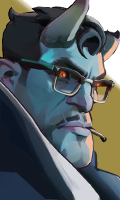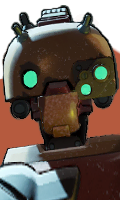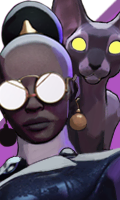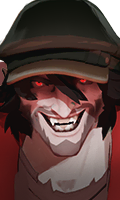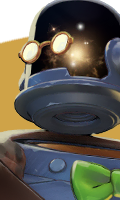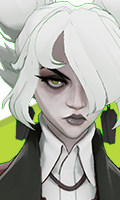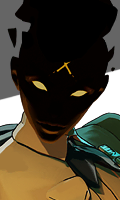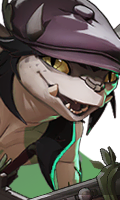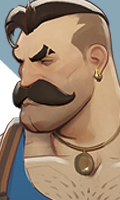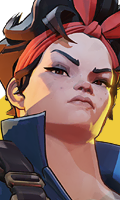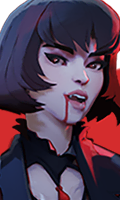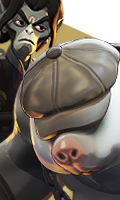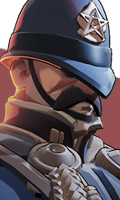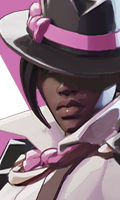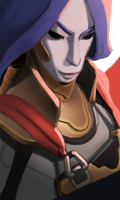
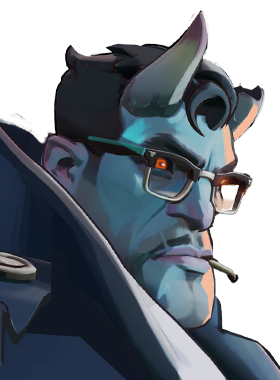

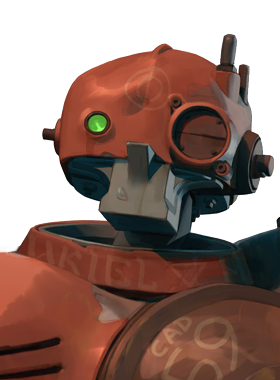

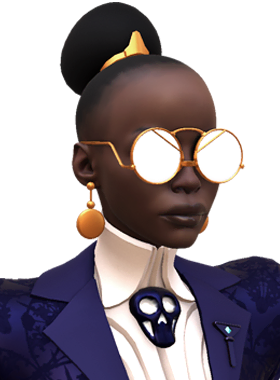

Choose a hero to open their overview

Use the hero picker above to open stats, matchups, performance trends, and recommended items.

Roster overview

Deadlock heroes roster and hero overview

The Heroes page is the main roster directory for Lockbuilds. It exists for the simplest first question in the game: which hero do I need to open, compare, or learn right now.

That sounds basic, but it matters because the rest of the site branches from here. Once you choose a hero, the path into stats, matchups, counters, lane data, and hero-specific items becomes straightforward.

Why the roster page matters

This page works as the clean entry point into the hero side of the site. Instead of starting from search or jumping across menu layers, you can move from the full cast into the exact profile you need with one deliberate click.

It also helps when you are comparing several heroes at once. The roster view keeps that decision simple before you commit to the heavier pages with matchup tables, item recommendations, and performance filters.

How to use it before deeper analysis

If you already know the hero you want, treat this as a directory. Open the profile here first, then move into the pages that explain how that hero performs, what they buy, and who they should or should not be facing.

If you are still narrowing a pool, this page is the right place to start because it keeps the decision anchored on the hero itself instead of throwing you straight into numbers with no context.